Fix WordPress critical errors, PHP errors and WooCommerce bugs.
Backup or staging copy first · from $45 Demo
What we fix
Get your site back
- 1 WordPress or WooCommerce error, theme bug or layout issue fixed
- Tested before handover
- Worked on a backup or staging copy first
Bigger job?
PHP upgrades with checkout tests, or many fixes at once, get a fixed quote after the free check.
Fixed price, agreed first
You get the price before we start. No hourly billing.
In short: Phoenix Media fixes the WordPress "There has been a critical error" screen, PHP fatal errors after a PHP 8 update and WooCommerce checkout bugs, working from the error log on a backup or staging copy first, from $45.
How it works
Free site health check
Send your site link and the error. Within 24 hours you get the likely cause and a short video.

Ishraf Rahman, founderYou'll hear from me within 24 hours.
Questions
What does "There has been a critical error on this website" mean?
A PHP fatal error stopped WordPress loading. Most often one plugin or your theme uses code the current PHP version no longer allows, or two plugins conflict.
How do I fix a critical error after a PHP update?
Check the admin email for WordPress's Recovery Mode link, or turn on WP_DEBUG_LOG to see the exact file. Then update, replace or deactivate that plugin or theme. Switching PHP back is a short-term fix only. Back up before you edit any file.
I can't get into wp-admin. Can you still fix it?
Yes. With hosting or file access we read the error log and disable the plugin causing it, then fix the cause.
Can you upgrade my site to PHP 8.3 or 8.4 safely?
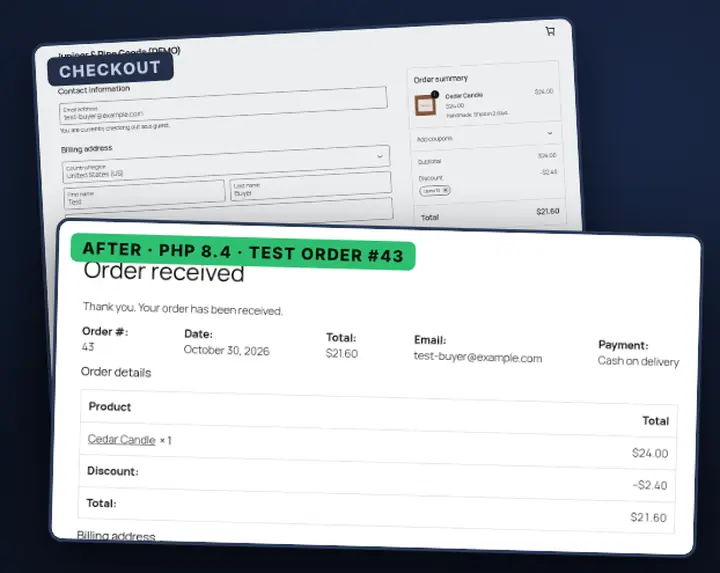
Yes. We take a backup, upgrade PHP on a staging copy, test the checkout and key pages, fix the plugins that break, and only then switch the live site.
Will fixing it delete my content?
It shouldn't. We take a backup first and test restoring it before we change anything.